
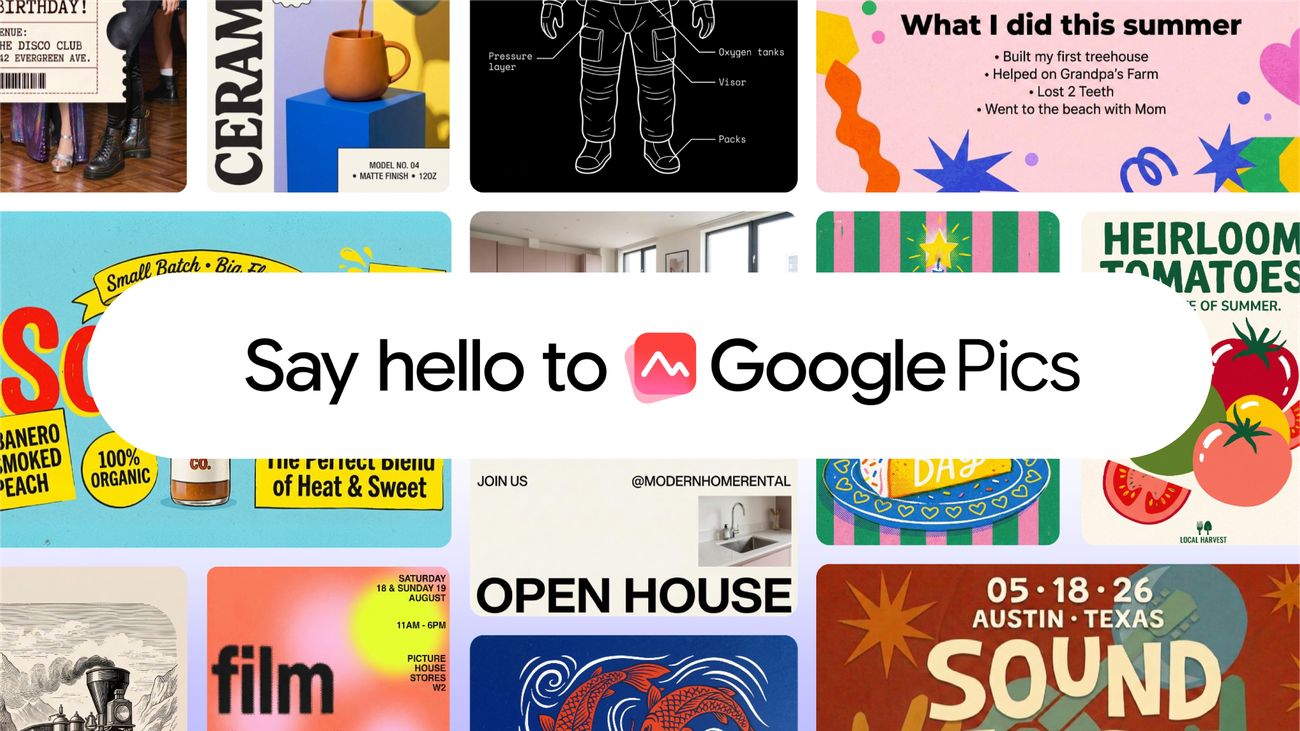
Google’s newest Workspace product is built for the part of office work that tends to happen at the last minute: someone needs a polished visual, the presentation is already open, and nobody wants to start a separate design project.
Google Pics is now beginning its rollout as a standalone AI image-creation and editing tool inside the Workspace orbit. Google says it can generate images from prompts, make object-level edits, alter or translate text in an image, crop for different formats, upscale to 2K or 4K, retain version history and let people collaborate. It can also be opened from an image in Docs or Slides, with Drive integration promised in the coming weeks.
That makes the product more interesting than an isolated image generator. Google is trying to make the everyday document the starting point and the finished visual the by-product.
The product is in the workflow, not beside it
The apparent competition is Canva and Adobe Express, but that comparison only gets half the story. Those products are design destinations: a user goes there intending to make a thing. Pics is an attempt to make visual production a feature of the tools where employees already draft briefs, slides and reports.
TechCrunch describes the resulting split well: Pics is a prompt-first tool, whereas a conventional design application gives users a more deliberate canvas. That has a real advantage for ordinary work—a project update may need a simple explainer graphic, not an hour of layout—but it also defines the ceiling. A prompt is fast; it is not automatically art direction.
| What Google says Pics can do | Why it could matter at work | The editorial caveat |
|---|---|---|
| Generate or refine images from a prompt | Creates a starting visual without leaving a document | The first output still needs a human brief and review |
| Select and edit individual objects | Makes late-stage changes less destructive | Precise selection does not guarantee a convincing result |
| Modify or translate text in images | Helps adapt an approved visual across markets | Treat translated imagery like any other customer-facing copy: verify it |
| Create variations and retain version history | Gives teams a route back from a bad edit | More versions can make source-of-truth discipline more important |
| Open from Docs and Slides | Cuts the export/import loop | Convenience can encourage unreviewed visual changes |
Google says standalone Pics and the Docs/Slides connection are rolling out over the coming weeks. Its Workspace update says availability starts with Business Standard and Plus, Enterprise Standard and Plus, eligible Education add-ons and AI Expanded Access; consumer access is limited to Google AI Pro and Ultra. Rapid Release domains began a gradual rollout September 1, while Scheduled Release domains begin September 15. In other words, this is a staged product launch—not a switch that every Google account should expect to see today.
Why object-level editing is the feature to watch
Image generation is no longer rare. The practical friction is getting from “nearly right” to “usable”: remove a distracting object, move the product, fix the label, make one version vertical, produce a localized variant without rebuilding the whole composition.
Google’s promise is that a user can hover over and select an element for local edits. If that works reliably, it is more valuable than another gallery of spectacular but disposable prompts. The best AI image tools are becoming less about making an image from nothing and more about reducing the cost of revision.
There is an important limit. A precisely edited image can still be factually wrong, visually misleading or inconsistent with brand rules. That is especially relevant for product images, charts, regulated communications and reporting. An image tool can make the edit easier; it cannot determine whether the edit should exist.
The audience relevance is governance, not just speed
For a small team, a graphic embedded in a Workspace document can move from draft to customer email surprisingly fast. That is the attraction. It is also why the ordinary controls matter more than a model name.
Google says administrators can turn Pics on or off at the domain, organizational-unit or group level. It also says generative-AI use is subject to limits, with higher access promised through February 28, 2027 and a later change possible. Those details are not footnotes. They are the product boundary for any company trying to prevent every document from becoming an uncontrolled image factory.
The sensible operating rule is simple: define where generated imagery is acceptable, who can approve it, and how teams label or archive final assets. Do that before the easy integration makes the decision invisible. We made a similar point in our look at Google Photos’ AI video remix tools: the interesting question is rarely whether an edit can be generated. It is whether the workflow leaves enough context, consent and accountability behind it.
Don’t confuse an image tool with a creative strategy
The limitation of Pics may prove to be its biggest design choice. Prompt-first creation is superb for a slide illustration, a social-card concept or a quick internal graphic. It is less obviously suited to a campaign system with art direction, licensed assets, original illustration, carefully managed typography and a creator marketplace.
That is not a flaw if Google keeps its claims clear. It is an office-native image tool, not proof that every team no longer needs designers, photographers or a brand system. The most promising outcome is a division of labor: Pics handles cheap iterations and routine production; people handle the visual judgment that gives a company a recognizable point of view.
Bottom line
Google Pics is compelling because it places editable AI imagery inside work that already exists. The convenience of creating, revising and sharing a visual from Docs or Slides could be genuinely useful for teams that currently bounce between too many tools.
But the launch should be judged on the hard middle: can Pics make local edits accurately, preserve intent through revisions and give organizations enough control over what gets generated? If it can, Google will have made AI image work feel less like a demo and more like office software. That is a quieter achievement—and probably the one that lasts.