
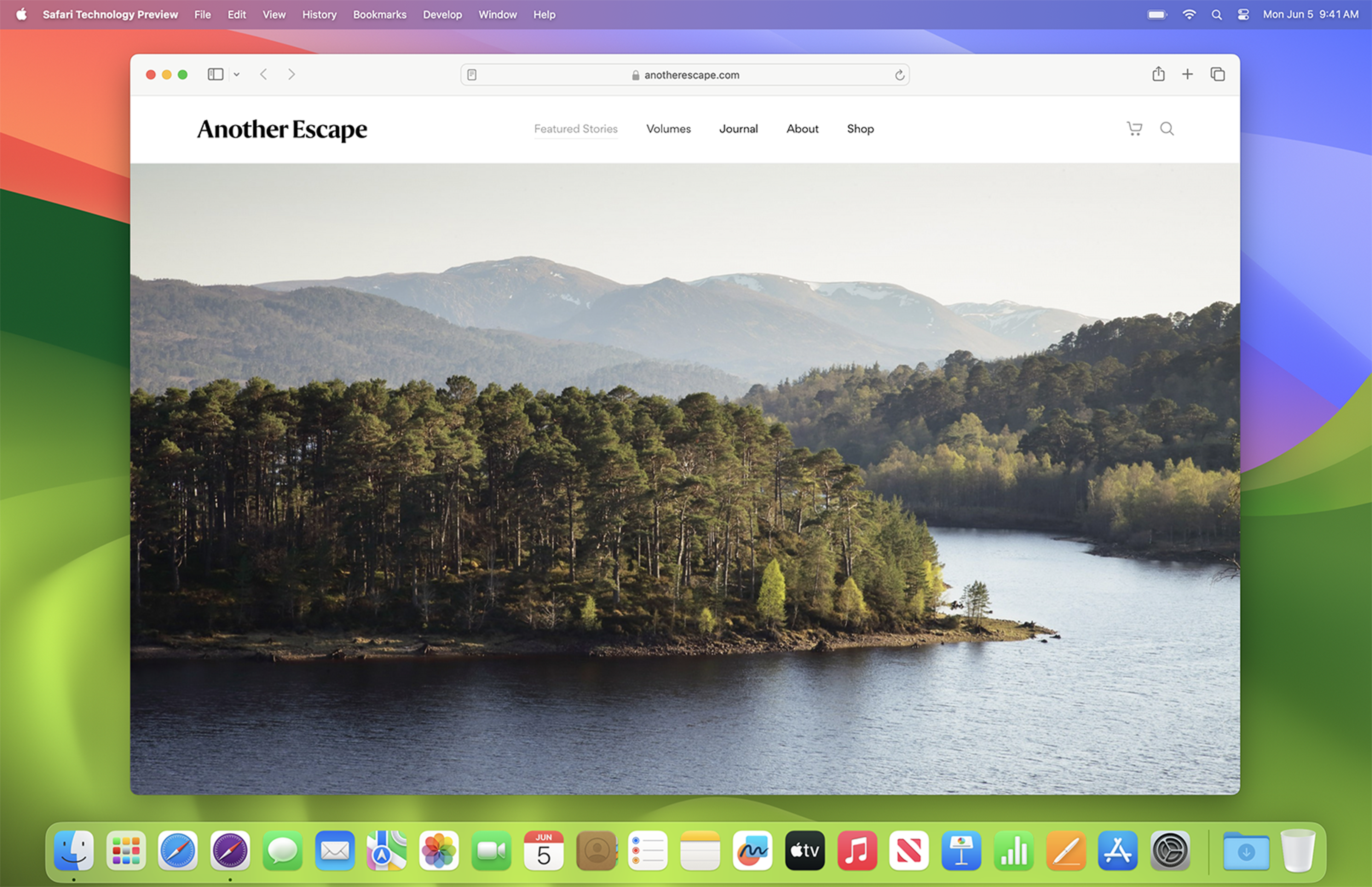
Safari’s new MCP server is a small-looking developer feature with an unusually practical message: AI coding tools are less useful when they cannot see the browser they are supposed to fix.
WebKit introduced the Safari MCP server in Safari Technology Preview 247 on July 1, 2026. Apple says Safari Technology Preview is its standalone test browser for upcoming web technologies, and the release notes confirm a new WebDriver feature that allows an agent to connect to Safari for development and debugging. WebKit’s own post says any MCP-compatible client can connect, giving the agent access to page content, console messages, network requests, screenshots and DOM interactions.
GearPulse’s view: this matters because it moves AI-assisted web debugging from “describe the bug to a chatbot” toward “let the tool inspect the actual browser state.” That is a healthier direction for developers and for users who still pay the price when teams test only in one browser.
The feature in plain English
Model Context Protocol, usually shortened to MCP, is a way for an AI agent to connect to external tools. In this case, the external tool is Safari Technology Preview, controlled through Safari’s automation stack.
The important part is not the acronym. The important part is the loop it creates.
| Old debugging loop | Safari MCP loop |
|---|---|
| Developer sees a Safari issue, copies symptoms into an AI prompt, then checks the browser manually. | Agent can inspect the Safari page, read console output, capture screenshots and evaluate page state directly. |
| The prompt has to describe layout, console logs and user actions accurately. | The agent can gather those details from the live browser session. |
| Chrome often becomes the default AI-debugging browser because the tooling is easier. | Safari gets a first-party bridge for agent workflows. |
That does not make agents magically correct. It does make their work less blind.
WebKit lists tools for creating and switching tabs, navigating to URLs, extracting page content, evaluating JavaScript, reading console and network activity, taking screenshots and performing interactions. Those are exactly the pieces missing when a developer asks an agent to fix “the thing that looks broken in Safari” without handing it browser evidence.
Why Safari needed this
Safari compatibility bugs are rarely glamorous. They are the kind of issues that make a checkout form feel flaky, a layout jump on iPhone, an animation fail silently or an accessibility affordance disappear for VoiceOver users.
The release notes for Safari Technology Preview 247 show how broad that work is. The same release includes fixes across accessibility, CSS, HTML, JavaScript, networking, rendering, SVG, scrolling, security and WebDriver. The MCP server sits inside that wider reality: browsers are complicated, and real compatibility testing depends on real browser behavior.
For developers already using coding agents, this gives Safari a clearer place in the workflow. That is good for the web. A toolchain that quietly defaults to Chromium because it is easier to automate pushes teams toward a narrower testing culture. Safari’s MCP server says Apple understands that agent-era developer tooling has to meet programmers where they work, not only where browser vendors wish they worked.
What it can actually do
The WebKit post describes a practical debugging surface rather than a vague AI feature.
| Capability | Reader translation | Why it is useful |
|---|---|---|
| Page content extraction | The agent can read what the page contains. | Useful for checking missing text, forms, states and rendered markup. |
| Console messages | The agent can see JavaScript errors and warnings. | Better than asking a developer to paste logs manually. |
| Network request inspection | The agent can review request summaries and details. | Helps isolate failed API calls, redirects and slow assets. |
| Screenshots | The agent can capture what Safari renders. | Essential for layout, clipping and visual regression work. |
| DOM interactions | The agent can click, type, scroll and press keys. | Lets it test flows, not just static pages. |
| Viewport controls | The agent can resize the browser context. | Useful for responsive issues across desktop and mobile-like widths. |
This is not a replacement for Playwright, WebDriver, BrowserStack or human QA. It is a local bridge between an agent and the browser in front of the developer. That distinction matters. The feature is most interesting as a fast debugging companion, not as a full production test grid.
The privacy caveat is real
WebKit says the Safari MCP server runs locally and does not make network calls of its own. It also says the server does not access personal Safari information such as AutoFill or broader browsing activity. That is the right baseline.
But the useful warning is in the next part: when the tool captures page content, screenshots or console logs, that data goes to the agent being used. From there, privacy depends on the agent and model provider.
That means developers should treat Safari MCP sessions like any other AI-enabled debugging session. Internal dashboards, customer records, admin pages, unreleased product details and credentials should be handled carefully. A browser automation bridge is powerful precisely because it sees the application. Teams need rules for what it is allowed to see.
What developers should watch
Safari MCP is currently tied to Safari Technology Preview, not the normal stable Safari release. That is sensible. It gives Apple and WebKit room to collect feedback before this becomes a routine part of developer setups.
The near-term questions are practical:
| Question | Why it matters |
|---|---|
| How reliable is the server across long debugging sessions? | Agents need stable browser state, not intermittent automation failures. |
| How well do agents choose the right tool calls? | A browser bridge only helps if the model uses evidence instead of guessing. |
| Can teams sandbox sensitive sessions cleanly? | Enterprise adoption depends on data-handling confidence. |
| Will normal Safari inherit this workflow later? | Developer habits change faster when the setup is boring and default. |
| Do other browsers respond with comparable first-party bridges? | Cross-browser agent tooling should become a web-wide discipline, not another vendor silo. |
The best outcome is not that Safari becomes the only browser agents can drive. The best outcome is that every major browser becomes easier to test with live evidence, and that developers stop treating compatibility as an afterthought.
Bottom line
Safari’s MCP server is relevant because it turns browser debugging into something an AI agent can inspect instead of something a developer has to narrate. That is a more credible path for AI coding tools than more autocomplete hype.
For web developers, the immediate value is simple: Safari bugs can be investigated inside Safari with page state, logs, screenshots and interactions available to the agent. For users, the upside is broader. If tools make Safari testing less tedious, more teams may actually do it.
The caveat is trust. A browser-connected agent is powerful, and powerful debugging tools can expose sensitive page data. Used deliberately, Safari MCP is a useful step toward agent-assisted development that respects the real browser, not just the code editor.
Support independent GearPulse articles at buymeacoffee.com/gearpulse.site.