
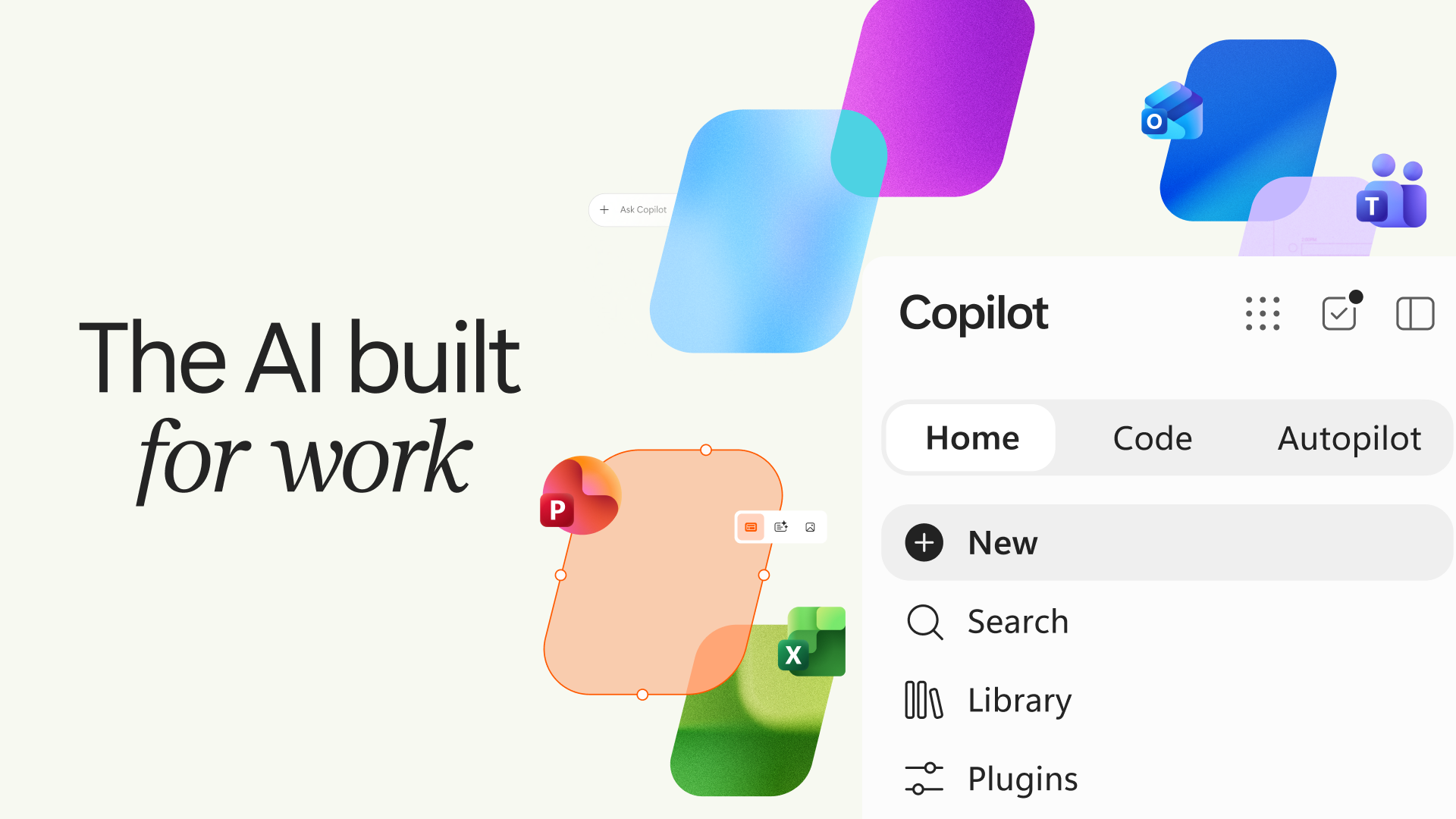
Microsoft’s rebuilt Copilot has three tabs: Home for chat and delegated work, Code for making apps and automations from a prompt, and Autopilot for agents that keep working after the user walks away. That presentation is deliberately simple. The more consequential change sits underneath it: Microsoft is trying to make the controls around agentic work—identity, hosting, data access, audit and billing—a first-class part of the product.
For ordinary users, the appeal is obvious. A Copilot conversation can move into a real Word document, Excel workbook or PowerPoint deck; Code can turn a request into a small internal tool; Autopilot can follow up on a recurring job. For the people who have to approve those tools, the question is less charming: what is running, on whose authority, against which data, and at what cost?
Microsoft’s answer is a managed runtime inside the Microsoft 365 tenant and a more explicit split between everyday assistance and consumption-priced agent work. That does not make autonomous work safe by announcement. It does make the operating model more concrete than the familiar promise to “just ask AI.”
The three tabs are really three levels of commitment
The new layout bundles tasks that carry very different risk profiles. Home brings Copilot Chat and Cowork together, with Office apps embedded in the Copilot experience. Code is intended to create apps, dashboards, trackers and automations in natural language. Autopilot, previously called Scout, is Microsoft’s persistent agent concept: give it a role and goal, and it can monitor channels, resume work later and handle recurring tasks.
| Area | What Microsoft says it does | What changes for a team |
|---|---|---|
| Home | Combines Chat and Cowork, with Word, Excel and PowerPoint available in Copilot. | The output can be a shared working file, not merely text copied from a chat. |
| Code | Builds and shares applications or automations from natural-language requests. | More people can create software-like assets, so app inventory matters sooner. |
| Autopilot | Runs cloud-hosted, persistent work with its own role and ongoing context. | Delegation becomes an operational decision, not a one-off prompt. |
The availability labels are important. Microsoft says Home and Code will roll out to the Frontier early-access program in the coming weeks. Code is due in broader Frontier availability in the same period and a Microsoft 365 Premium and Pro preview later this year. Autopilot is expanding to private preview at the end of September. These are not universal, finished capabilities today, and neither Microsoft nor its reporting partners have announced a simple consumer price for the full agent stack.
The runtime is the real story
Generated code is easy to demo. Operating it inside a company is where the friction begins: provisioning, identities, connectors, policies, updates, logging and the awkward question of whether anyone knows an app exists.
Microsoft’s new Copilot Managed Runtime is in public preview. The company says it provides Microsoft-operated hosting within a Microsoft 365 tenant, with Entra identity, governed data access, connector and endpoint policies, source/version controls, and a central admin inventory. It already powers applications built in Copilot Cowork, Copilot Code and Copilot Studio, according to Microsoft.
That is a meaningful design choice. It gives a team that wants a lightweight internal tracker or workflow a path that is closer to its existing Microsoft 365 controls than a mystery deployment on a personal account. It also shifts the burden rather than removing it. A managed host can restrict which data sources and endpoints an app reaches; it cannot decide whether the request itself was sensible, whether its underlying data is clean, or whether an employee gave an agent a permission it should never have had.
The distinction echoes Microsoft’s recent Humanist AI code of conduct. A statement about human control matters, but users eventually need product controls they can inspect: scope boundaries, access logs, a workable stop button and someone accountable for exceptions.
Expect the bill to change with the behavior
Microsoft is also drawing a line between per-user software and work that consumes more compute. The regular license is expected to cover chat and Copilot features in Microsoft 365 apps. Cowork, Code and Autopilot use consumption-based billing, with administrators able to manage budgets and controls through its Agent 365 and FinOps tooling. GeekWire reports that this usage-based layer will also reach consumer Microsoft 365 subscriptions later this year.
That approach is more honest than pretending a persistent agent costs the same as a brief rewrite. It is also a new procurement habit. A manager evaluating Autopilot should establish a ceiling before giving it a recurring task, then compare the completed work, review time and consumption against the old process. “It ran overnight” is not proof that it saved anything.
What to test before delegating real work
The first sensible pilot is a bounded, reversible workflow: collect status updates, prepare a draft briefing, flag missing information, or build an internal dashboard from approved data. It should not be an agent that can commit money, send unreviewed messages to customers, or alter a production system because a prompt made that sound convenient.
| Pilot check | Why it matters |
|---|---|
| Define the data and tools it may access. | Limits turn a broad assistant into a reviewable task runner. |
| Require an approval point for external actions. | A good draft is not the same thing as an authorized decision. |
| Check the audit trail before measuring speed. | Teams need to reconstruct what the agent saw and did. |
| Set a spend cap and owner. | Consumption pricing needs an accountable budget, not just a monthly surprise. |
| Keep a manual fallback. | Automation earns trust when failure does not stop the work. |
This is also why the Code tab deserves more scrutiny than its “anyone can build” pitch suggests. More accessible creation can be valuable, especially for the small gaps between spreadsheets and formal software projects. But it expands the number of apps an organization needs to discover and govern. Microsoft’s central inventory is a credible response only if administrators use it, owners are named and unused tools are retired.
Bottom line
Microsoft has not solved the agent problem by placing three labels across the top of Copilot. Home, Code and Autopilot are still early or limited releases, and the company’s most ambitious claims remain to be tested in live organizations.
But the release does identify the practical contest. The next workplace AI winner will not be the assistant with the flashiest demo alone. It will be the one teams can give useful access to without losing track of identity, data, cost and accountability. Microsoft’s managed runtime and explicit usage controls are a serious attempt to compete on that terrain—and the right reason to watch this Copilot redesign closely.