
Google is making a meaningful move in AI video: Gemini Omni 1.1 Flash is now available inside Google Vids to people with a Google account or a Google Workspace account, rather than being confined to a specialist editing package or a premium AI playground.
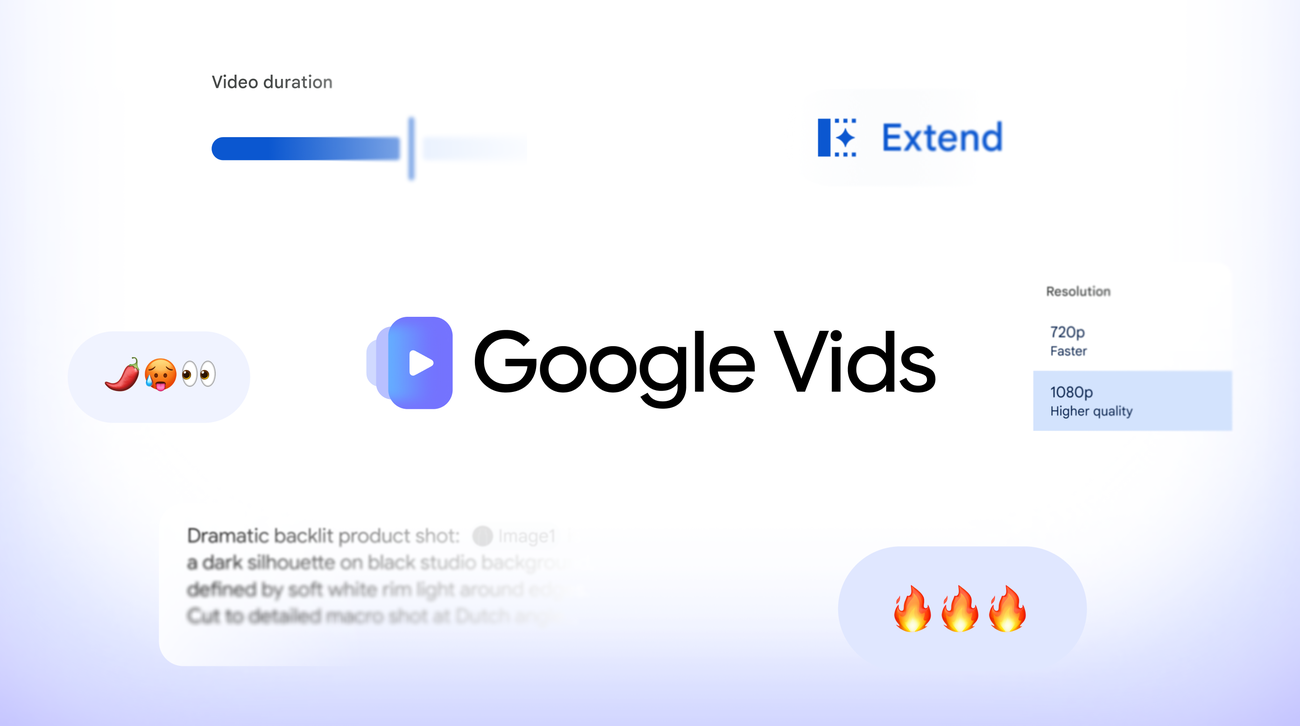
The headline is not that a model can make a clip. Plenty can. Google is moving the task into a browser-based creation tool, at vids.new, where the friction is closer to opening a document than opening a video suite. The update adds 1080p generation and upscaling, precise duration settings, and scene extension designed to hold on to the visual context, lighting, characters and environment of the preceding clip.
That is a more useful ambition than “type prompt, receive spectacle.” For a short product explainer, community event, pitch deck or social cut, the real obstacle is usually not an absence of ideas. It is getting a usable sequence from rough idea to finished export without changing tools three times.
The capability change is small on paper and big in workflow
Google’s September 23 announcement says users can generate scenes at no cost with Omni 1.1, while its Workspace update says the feature is rolling out to both Rapid Release and Scheduled Release domains over one to three days. MyNavi News and TurboLab.it independently reported the wider Google-account access and 1080p capability.
| New Vids control | What Google says it does | The useful real-world test |
|---|---|---|
| Generate or upscale to 1080p | Creates new full-HD scenes or upscales existing AI clips | Does the export hold together on a presentation display, not just a phone screen? |
| Set a specific duration | Lets creators choose a clip length | Can a scene land cleanly under a voiceover beat or slide transition? |
| Extend a scene | Continues a shot while retaining context, lighting, characters and environment | Does the added footage stay coherent enough for a multi-shot sequence? |
| Browser-based entry | Starts from Google Vids on desktop | Does it remove enough setup to be better than a dedicated editor for quick work? |
The limits of that last row are worth stating plainly: Vids is not suddenly a replacement for an editor with a serious timeline, asset management, colour work and granular audio control. It is a tool for people who would otherwise make a very short video badly, slowly, or not at all.
That distinction matters. AI video becomes genuinely practical when it fits the job at hand. A marketer assembling a 20-second event screen, a small shop turning product photographs into a simple clip, or a teacher creating a visual explanation may value speed and a defined duration more than a giant box of creative controls.
“No cost” does not mean infinite production capacity
Google’s wording is deliberately broad: anyone with a Google or Google Workspace account can start generating with Omni 1.1 at no cost. It also says personal Google AI plans and Workspace Business and Enterprise plans offer more access or expanded generation pools.
That is the caveat behind an otherwise welcome opening. The company has not published a universal, fixed allowance in the announcement. “Available” tells a reader that they can try the tool; it does not promise that a team can replace an agency’s render queue with it. TurboLab.it makes the same sensible distinction, noting that Google did not state a free-generation quota.
For GearPulse readers, that is the line to watch. The service is appealing if a normal account can produce enough iterations to make the controls useful. It becomes much less interesting if the first draft is free but every meaningful revision runs into a capacity gate. The rational way to assess it is with a real job: make a short version, alter the duration, extend a scene and export. One impressive prompt is not a workflow.
Transparency is present, but it is not a substitute for judgement
Every clip generated with Omni 1.1 in Vids carries an imperceptible SynthID watermark, according to Google. That is an appropriate product decision: as generative video moves into ordinary office and creator workflows, provenance cannot be an afterthought.
But a watermark is a disclosure mechanism, not a quality guarantee. It cannot tell a viewer whether a scene is accurate, whether a synthetic person is appropriate for the context, or whether an edit creates the wrong impression. Anyone using Vids for a product claim, news-like clip, public information or client work still needs a conventional review step.
That is especially true because Vids makes it easier to create output that looks production-ready. The access shift is useful precisely because it lowers the barrier; lowering that barrier also makes editorial judgement more important. Google says Gemini 3.8 Flash-Lite text-to-speech voiceovers in more than 100 languages are coming to Vids, which would make the tool more complete—but also raises the need to check script, translation and voice choices before publishing.
This is Google’s more convincing AI-video pitch
Google’s earlier work with Gemini Omni in Google Photos Video Remix put generative video next to personal media, but it was tied to eligible AI subscriptions. Vids takes a different path: it makes the basic video-creation doorway broadly accessible, then reserves higher capacity for paid personal and business plans.
That architecture makes sense. It gives people a reason to understand the product before they decide whether a higher tier is worthwhile. More importantly, it places AI video in an environment designed for making something communicative, not merely demonstrating a model.
There are open questions: regional availability, the exact free allowance, output reliability across longer sequences, and how clearly generated material remains labelled after it leaves Vids. None of them erase the advance. They define whether it becomes a repeatable tool or a passing demo.
Bottom line
Google Vids’ Omni 1.1 update matters because it turns AI video into a browser-tab decision. Full-HD output, duration control and scene extension are the practical pieces that make a short video usable, not just generative.
GearPulse’s take: try it for bounded work where speed matters and a human can review the result. Treat the free access as an invitation to test a workflow, not a promise of unlimited production—and treat the SynthID watermark as one layer of transparency, not permission to stop thinking.