
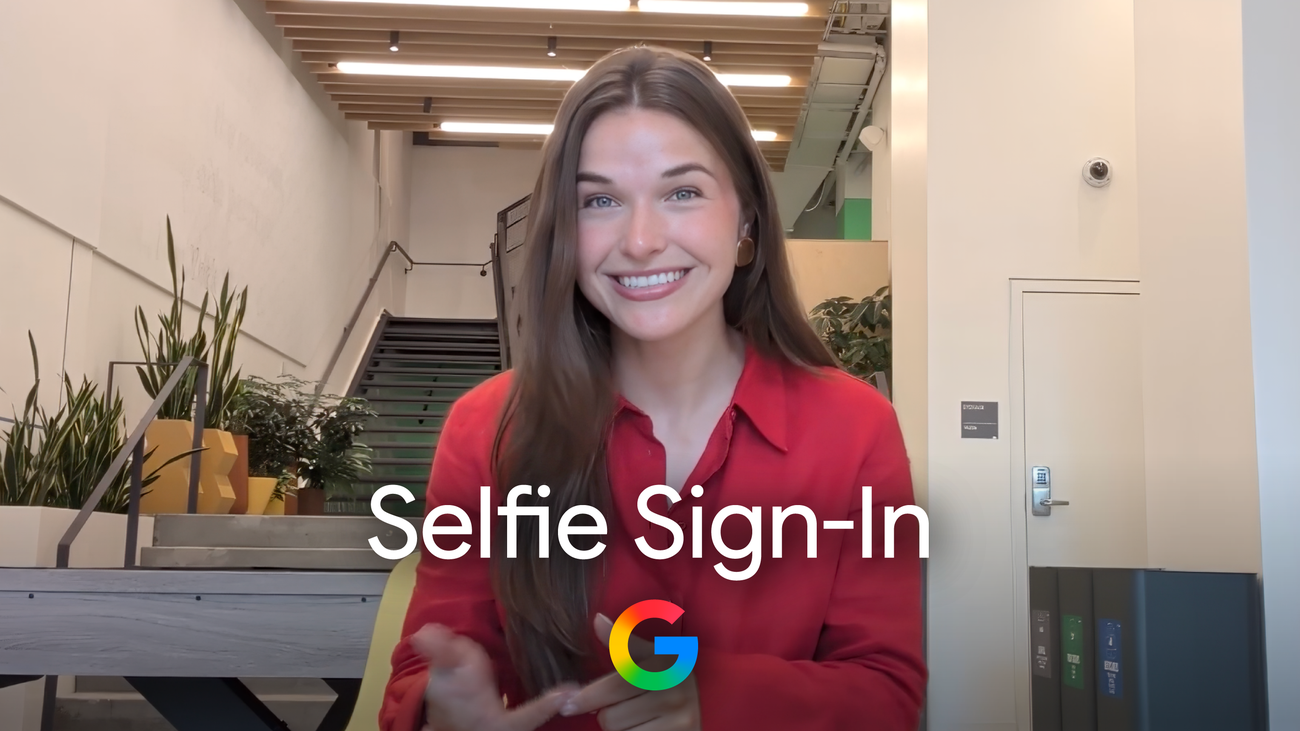
Google has found another place where your face can become infrastructure.
The company is rolling out Selfie Sign-In for Google Accounts, a backup way to prove ownership when you are locked out, missing your usual device, or unable to use a password, passkey, recovery phone, recovery email or two-factor app. The setup asks you to record a short video with guided head movements. Later, if Google needs stronger proof, it can ask for a fresh video and compare it with the one already stored for the account.
That sounds convenient because it is. Account recovery is the miserable part of digital life: the phone number changed, the old laptop died, the authenticator app vanished, and suddenly the account that controls email, photos, banking alerts, documents and app logins becomes a locked door.
GearPulse’s read: selfie recovery is relevant because it shows where consumer security is heading. The password is fading, but the replacement is not just passkeys. It is a stack of device signals, liveness checks, risk scoring and identity proofs that ask the user to trade friction for trust.
What Google is adding
Google says Selfie Sign-In is meant as an additional account recovery and sign-in method, not a replacement for existing protections. The core flow is straightforward: record a reference selfie video, store it with the account, and use a later live video when Google needs to verify that the person trying to sign in is likely the account owner.
The official Account Help page says setup is handled from Google Account security settings and may use a QR code if the current device does not have a camera. The user follows on-screen prompts, records multiple angles, and can delete the saved selfie video from account settings.
The security promise is not simply “face equals password.” Google says the flow uses liveness checks to reduce spoofing with photos or synthetic video, plus its existing suspicious sign-in systems. The privacy promise is more conditional: Google says the saved video is encrypted, used by default for sign-in, and can be shared for additional purposes only if the user chooses that setting.
| Selfie Sign-In detail | What matters |
|---|---|
| Rollout | Google describes a phased global rollout, so eligibility may vary by account. |
| Setup | A short selfie video with guided movement becomes the reference check. |
| Recovery | A new video can be compared with the stored video during sign-in or account recovery. |
| Deletion | Google says users can delete the stored video from account settings. |
| Limits | The feature is not available for every account type, including some managed or protected accounts. |
The convenience is real
The useful version of this feature is easy to picture. You are traveling, the old phone is gone, the backup code is not where you thought it was, and the account recovery page needs one more proof that you are you. In that situation, a video check may be less painful than waiting days, uploading documents, or losing access entirely.
It also fits the bigger shift away from passwords as the main gatekeeper. Passkeys are better for everyday sign-in, but account recovery is harder. A passkey can be locked to a device or ecosystem. Recovery has to work when the normal device story has already failed.
Google is also working at a scale where tiny improvements matter. A smoother recovery flow can save millions of people from lockouts, support loops and phishing bait. It can also make account takeover harder if attackers cannot satisfy the liveness and risk checks.
The privacy question is personal
The uncomfortable part is just as obvious: a cloud account recovery system now wants a face recording.
That does not automatically make it bad. Biometrics on a phone already decide whether many people can unlock their device, approve payments or open a password manager. The difference is control and placement. Face ID-style checks are often discussed as device-local experiences. Google Selfie Sign-In is account-level recovery, with a reference video stored so it can be used when a future device is missing, broken or untrusted.
That makes the user decision more serious. If you set it up, treat it like an account recovery method, not a novelty. Read the retention and deletion controls. Make sure you still have recovery codes, a current recovery email, a recovery phone you actually control and passkeys on devices you trust. One recovery method is never enough.
Who should use it
This is most useful for people who depend heavily on one Google Account and have been burned by recovery problems before: frequent travelers, people who change phones often, families helping less technical relatives, and anyone whose Gmail account is effectively the login hub for the rest of their life.
It is less compelling if you already use strong passkeys, maintain printed backup codes, keep recovery details current and prefer not to store biometric recovery data with a cloud account. It may also be unavailable or inappropriate for workplace, child or high-risk accounts where administrator rules or advanced protection policies apply.
| User type | Practical advice |
|---|---|
| Everyday Gmail user | Consider it as a backup, but update recovery email and phone first. |
| High-risk user | Prefer Advanced Protection, security keys and strict recovery discipline. |
| Family tech helper | Useful for relatives who lose devices, but explain deletion and consent clearly. |
| Privacy-focused user | Skip it unless the recovery benefit outweighs storing a face video. |
Bottom line
Google Selfie Sign-In is a useful feature with a serious tradeoff.
The best version saves people from account lockouts without making account recovery feel like a surveillance trap. The worst version teaches users to hand over more intimate identity signals without thinking through recovery hygiene.
My take: use it only if it solves a real recovery problem for you. Then make the rest of the account boringly strong. A face video should be the last helpful key on the ring, not the only one you trust.