Google Meet’s new Gemini note-taking expansion sounds like a simple productivity feature. That is exactly why it deserves a slower read.
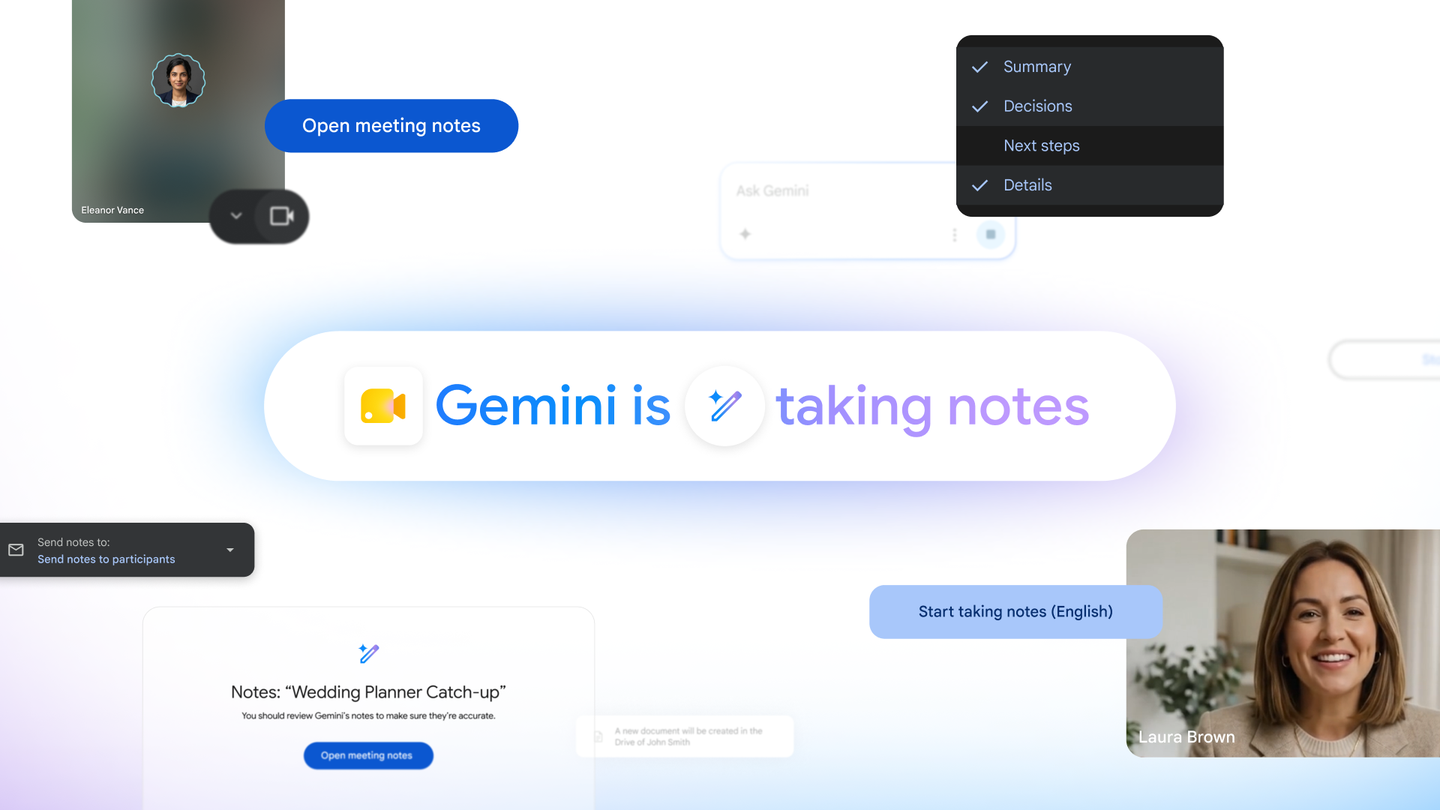
Google says Gemini can now take notes in Google Meet for Google AI Pro and Ultra subscribers. The official support page explains the core behavior: Meet can generate notes and summaries from a meeting, with the resulting notes saved into Google Docs depending on the meeting and account setup.
That is useful. It is also the kind of feature that quietly changes what a meeting is.
A normal video call is a messy, temporary conversation. An AI-noted meeting becomes a searchable workplace record. That can help people who miss the call, reduce manual note-taking, and make follow-ups clearer. It can also create new privacy, access, and accuracy problems if teams treat the AI recap as a transcript of truth.
What Google is expanding
The official Google post positions the feature around Gemini support for Google Meet users on paid AI plans. Google’s Meet Help documentation explains how “Take notes for me” works, how it can be started, and where notes are saved. Third-party coverage from Android Authority and Digital Trends adds the practical consumer angle: this is moving beyond only narrow enterprise availability and into paid Google AI subscription territory.
The important distinction is that the feature is not just another camera effect or background tool. It captures meeting content and turns it into a document.
| Feature area | What readers should know |
|---|---|
| Product | Gemini note-taking inside Google Meet |
| Availability | Google says it is for Google AI Pro and Ultra subscribers, with Workspace/account limits still relevant |
| Output | Meeting notes and summaries saved into Google Docs workflows |
| Main benefit | Less manual note-taking and better catch-up for missed details |
| Main risk | AI-generated notes can be incomplete, wrong, over-shared, or too confidently written |
That last row is not anti-AI. It is basic workplace hygiene.
The best use case is catch-up, not authority
AI meeting notes are most valuable when they act as a second pair of ears.
Someone joins late and needs context. A team wants action items collected. A manager wants a record of decisions without asking one person to spend the whole call typing. A student or small-business owner wants to revisit a discussion without replaying an entire meeting.
Those are good use cases because they treat the AI output as a convenience layer.
The bad habit is treating the recap as the official memory of the room. AI note systems can miss nuance, compress disagreement into false consensus, or omit the exact caveat that made a decision safe. They may also misunderstand names, acronyms, product codenames, legal phrasing, or sarcasm.
That is why the strongest workflow is simple: let Gemini produce the first draft, then let a human owner review the notes before they become the decision record.
The access problem matters
Meet notes do not live in a vacuum. Once the AI creates a Google Doc, that document can be shared, searched, forwarded, retained, or discovered depending on the organization’s settings and behavior.
For many teams, that is the point. A useful meeting record should be easy to find.
For sensitive meetings, it is also the problem.
HR conversations, customer escalations, legal reviews, medical or education discussions, partner negotiations, and internal strategy calls all need clearer rules than “turn on the feature because it is convenient.” The question is not only whether Gemini can summarize the meeting. It is who should know that notes are being created, who can see them afterward, and how long they should exist.
Google’s support documentation is the right place for account-specific controls and behavior, but teams still need their own policy layer. Consumer availability does not remove workplace responsibility.
Paid AI plans change the adoption curve
The pricing angle is important because it shapes who will try this first.
Google’s AI Pro and Ultra plans put advanced Gemini features into subscription products rather than limiting every capability to large Workspace contracts. That makes the feature easier for individuals, freelancers, students, and small teams to encounter.
It also means the first wave of usage may happen without formal IT rollout. A founder, project lead, consultant, or club organizer can decide that AI notes are useful before a company policy catches up.
That is normal for productivity software now, but it creates tension. Individual tools become team systems the moment their output affects shared decisions.
How to use it responsibly
The practical rule is to make the AI visible, bounded, and reviewed.
Start by telling participants when AI notes are active. Treat that as basic courtesy, not a legal trick. Then decide who owns the resulting note document. If the meeting has decisions, assign a human to check the summary before it becomes the canonical record. If the topic is sensitive, decide in advance whether AI notes should be disabled.
Teams should also watch for the small failure modes. Did Gemini capture who actually owns an action item? Did it preserve deadlines? Did it distinguish a proposal from an approved decision? Did it miss a dissenting caveat? Those details are where workplace notes succeed or fail.
| Meeting type | Sensible default |
|---|---|
| Weekly status call | Useful, with a quick human review |
| Customer support escalation | Useful only if access and retention are clear |
| HR or legal meeting | Off by default unless policy explicitly allows it |
| Brainstorming session | Helpful, but mark ideas as ideas |
| Decision meeting | Use AI notes as a draft, then confirm decisions manually |
The feature is most compelling when it reduces clerical work without pretending to remove accountability.
Bottom line
Gemini note-taking in Google Meet is a practical feature, not just an AI showcase. It can make meetings easier to follow, easier to search, and less dependent on one person typing while everyone else talks.
But a searchable AI summary is still a workplace record. The right conclusion is not “never use it.” It is: use it deliberately. Make participants aware, review the output, and keep sensitive calls under tighter rules. The productivity gain is real, but the meeting still belongs to the people in it.