
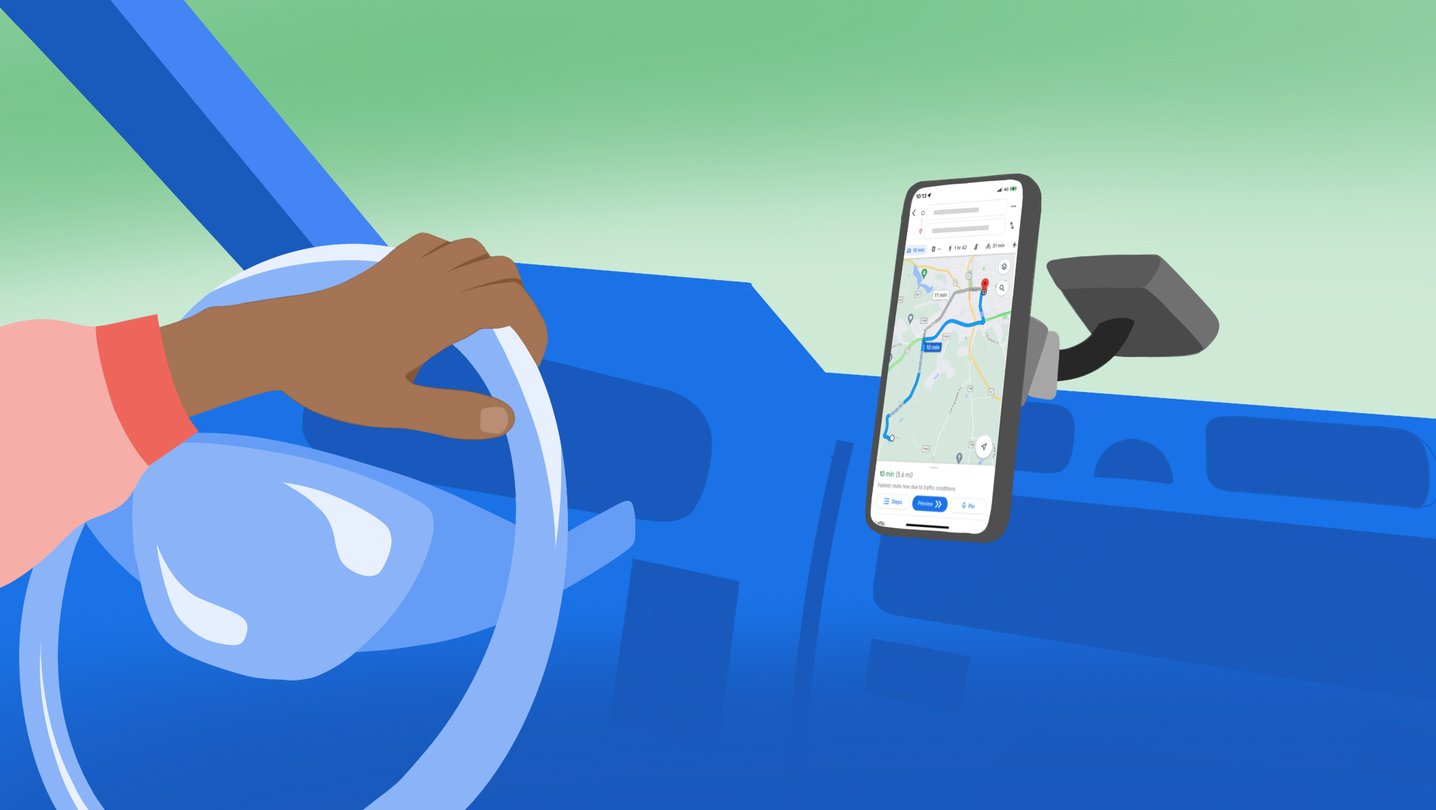
The next time a UK driver needs fuel, Google Maps and Waze may finally answer the question that matters before the detour begins: what will the nearby forecourts actually charge?
Google has switched on fuel-price listings in both apps, using the UK government’s Fuel Finder data. Search for “petrol” or “fuel”, and the apps can show nearby stations, petrol and diesel prices, and the fuel types sold there. It is a modest feature on paper, but it moves price comparison into the same moment that people decide whether to carry on, take the next exit or make a small diversion.
That is the right place for it. A separate price-comparison app asks drivers to remember one more service before a journey. Navigation already knows the route and the next practical stop. For motorists who use Maps or Waze every day, the new layer makes a boring decision less blind.
What is actually new
Google says the rollout is live in the UK on Maps and Waze, in partnership with the government and the Waze community. The underlying source is Fuel Finder, the government programme that requires large fuel retailers to provide current price information for participating sites.
The scope is important. This is a UK feature, not a promise of universal price coverage in every country. And it is a display of reported prices, not a guarantee that every pump will perfectly match the screen at the second a driver arrives.
| Detail | What is verified | What it means on the road |
|---|---|---|
| Apps | Google Maps and Waze | Drivers do not need to learn a new route-planning tool. |
| Search | “petrol” or “fuel” | The price view is reached through a normal destination search. |
| Prices | Petrol and diesel rates, plus fuel types offered | A driver can compare the useful basics before choosing a station. |
| Data source | UK government Fuel Finder | The listings draw on a public-regulatory reporting programme rather than crowdsourced guesses alone. |
| Market | United Kingdom | Availability and fuel labels should not be assumed outside the UK. |
The government says Fuel Finder was designed to make price information easier to compare and has reporting rules around retailers’ updates. That gives the integration a stronger foundation than a generic “best deal nearby” badge. It also explains why this is arriving as a navigation feature rather than an experimental shopping add-on.
Why the route context matters more than the pin
Fuel prices are only useful in context. The cheapest station on a map can be a poor choice if it means a long backtrack, a queue at the wrong time, or burning enough fuel to erase the saving. The virtue of putting prices in Maps and Waze is that a driver can weigh the number against distance and route instead of treating it as a detached list.
For commuters, the gain may be a quick check before the habitual fill-up. For families setting out on a long trip, it can make the fuel stop part of planning rather than a surprise. Fleet drivers and delivery workers may find it useful too, although their choices can be constrained by fuel cards, vehicle type and employer policy.
This is also a healthier version of navigation intelligence than another conversational layer. It makes an existing decision more legible. No one needs an assistant to philosophize about petrol; they need reliable enough information while the route is still flexible.
The caveat: live data is not the same as perfect data
The independent coverage is rightly less breathless than the launch announcement. The Verge notes that the system uses the government’s Fuel Finder information and flags concerns that some real-time listings can be inaccurate or out of date. What Car? similarly stresses the importance of the scheme’s update rules and the reality that a price shown in an app still depends on retailer reporting.
That does not make the feature useless. It tells drivers how to use it: compare nearby options, favour a station that makes sense for the trip, and regard an unusually low number as a prompt to check rather than an entitlement. Pricing can change after an update, a forecourt can have a temporary issue, and not every viable stop is equally convenient.
| Good use | Weak use |
|---|---|
| Comparing several stations already close to the route | Driving far out of the way for a tiny displayed saving |
| Checking fuel type as well as price | Assuming every listed rate is guaranteed at the pump |
| Planning a fill-up before a motorway or rural stretch | Treating a map listing as a substitute for attention on arrival |
The bigger test is whether the data remains consistently timely over months, not whether the first screen looks neat. If drivers begin seeing stale or missing prices often, the feature becomes another reason to distrust a map. If the data holds up, it will disappear into the routine in the best way: a small piece of information that removes needless uncertainty.
A useful pressure test for in-car software
The rollout also sharpens the competition around the dashboard. Google Maps, Waze, Apple Maps, manufacturer navigation systems and fuel apps are all trying to own the point where a driver turns information into an action. The strongest products will not be the ones with the most elaborate interface. They will be the ones that combine route, availability, price and timing without demanding extra attention.
That is why this update has more staying power than a one-day feature announcement. Fuel is a recurring cost and the decision is repeated thousands of times across a driver’s life. Making it easier to compare at the right moment is practical product design.
Bottom line
Google Maps and Waze adding UK fuel prices is worth using, with one sensible reservation: treat the numbers as current guidance, not an infallible contract. The official Fuel Finder link gives the rollout a credible data source; the route-aware placement makes it useful.
For UK drivers, the best outcome is wonderfully unglamorous. Before the next fill-up, open the map, compare the stations that genuinely fit the journey, and save a little without turning a fuel stop into research homework.
Support independent GearPulse articles at buymeacoffee.com/gearpulse.site.