
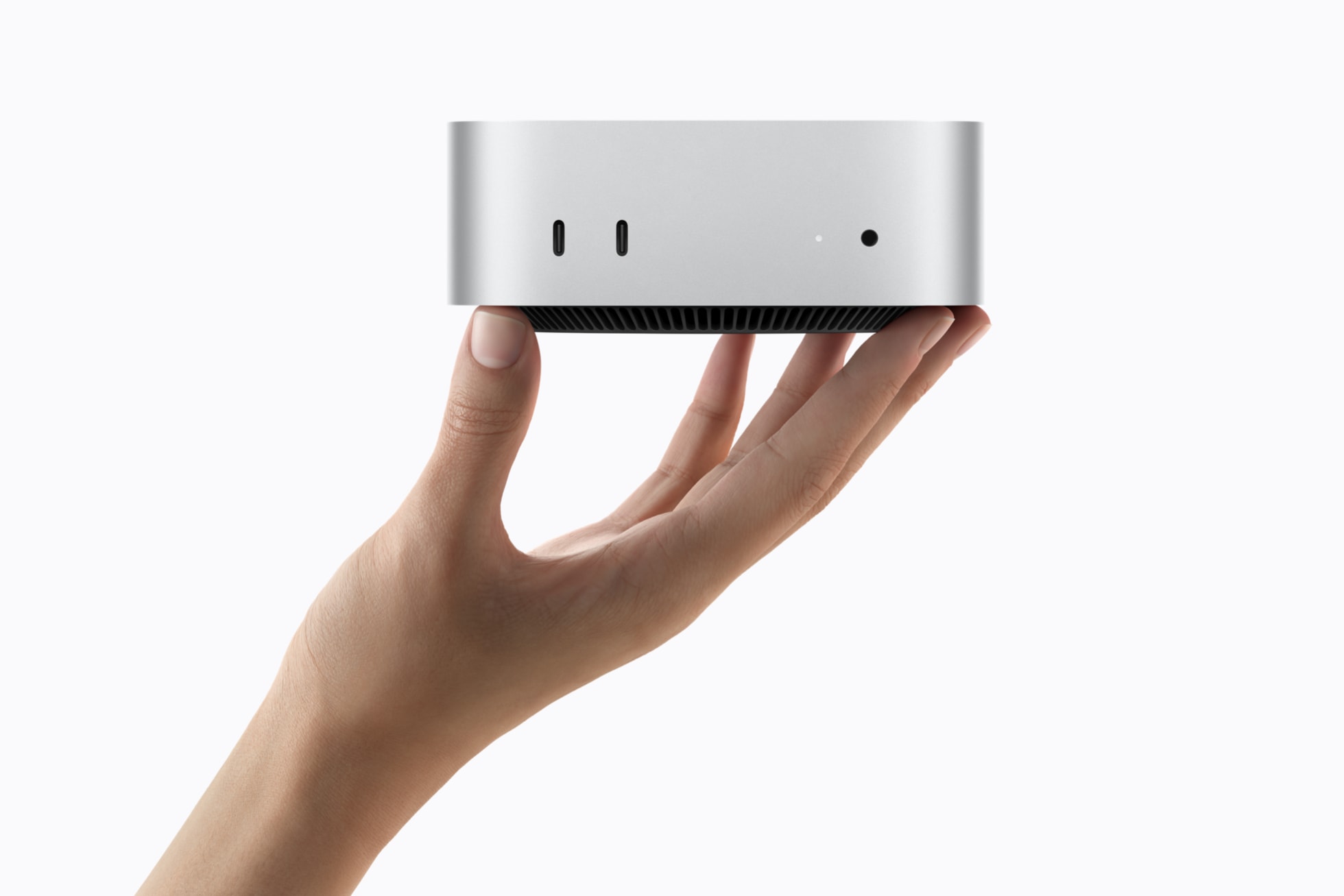
Apple’s new Mac mini and Mac Studio reached stores on September 22, but the interesting part is not that the boxes are finally shipping. It is that Apple’s compact desktop range now has a much sharper dividing line.
The new Mac mini starts with M6; its higher tier uses M5 Pro. The Studio starts with M5 Max and reaches M5 Ultra. That ordering looks untidy on a spreadsheet, yet it describes a sensible split in practice: buy the mini for a fast, quiet desktop that can also run modest local models, and buy the Studio when the model, media project or dataset is large enough to turn memory capacity and I/O into the bottleneck.
The desktop line, without the marketing fog
| Model family | Highest chip option | Memory ceiling | What changes the choice |
|---|---|---|---|
| Mac mini | M5 Pro | Apple specifies an up-to-18-core CPU and 20-core GPU on M5 Pro | Compact desk setup, general creative work and smaller local models |
| Mac Studio | M5 Max | 128GB | More GPU capacity, Thunderbolt 5 and serious production workloads |
| Mac Studio | M5 Ultra | 512GB | Very large local models, demanding video/VFX work and multi-machine inference |
Apple says the M6 mini has a 12-core CPU, 12-core GPU, 16GB of standard unified memory and a configurable 32GB maximum. Its quoted improvements—up to four times faster AI performance, twice the graphics and storage performance, and 40 percent faster CPU performance versus the M4 mini—are Apple comparisons, so they should be treated as workload-specific claims, not an all-purpose benchmark.
The M5 Pro mini is the intriguing middle ground. Apple positions it for heavier video, game-development and agentic workflows, while Macworld’s early review finds the performance real but the price harder to defend. That is the recurring Apple-desktop trap: once a buyer adds memory and storage, a very small computer can approach the cost of a substantially more capable one.
Why memory has become the first question
For ordinary apps, a processor upgrade is usually felt as quicker launches, exports and multitasking. Local AI changes the purchase order. A model has to fit in unified memory alongside the operating system and everything else running on the machine; more capacity and memory bandwidth can matter more than a modest CPU delta.
Apple rates the M5 Ultra Studio at up to 512GB of unified memory and 1.2TB/s of bandwidth. It also says Thunderbolt 5 and RDMA can link multiple Studios for distributed inference. Those are not reasons for a casual buyer to buy the largest box. They are reasons not to mistake the Mac mini’s compact dimensions for a like-for-like alternative once a workflow depends on large models, huge media caches or multiple fast external devices.
Tom’s Guide’s early M5 Ultra review makes the other side of that case: it is excellent overkill for most people. The mini remains the disciplined choice when the actual job is code, photography, office work, a home server or experimentation with local AI—not operating a miniature render farm.
A more useful way to choose
Start with the workload, then leave room for the parts Apple does not make easy to upgrade later.
- Choose the M6 mini if a small desktop and responsive everyday work matter more than maximum headroom.
- Move to M5 Pro when sustained creative work or a larger local-model budget is the reason, not merely because the label says “Pro.”
- Move to Studio when 128GB-plus memory, Thunderbolt 5 expansion, serious GPU work or a large local model is a requirement you can name today.
For a different read on why local compute is becoming a product category of its own, see our look at turning spare PCs into a local AI pool. Apple’s answer is much tidier: put as much integrated memory and bandwidth as the budget permits into a quiet box on the desk.
Bottom line
The new Mac mini is still the easy recommendation in Apple’s desktop range. The Mac Studio is still the specialist tool. What has changed is the distance between them: local AI and high-end media workflows make memory capacity, bandwidth and expansion more decisive than the enclosure’s footprint. Buy the mini for the job you have; buy the Studio only when its headroom solves a problem you can already see.